Retrospect 20 includes the new Retrospect Novus user interface. This article will show you how to install Retrospect and Retrospect Novus.
1) Open your web browser and go to http://www.retospect.com/updates and scroll down to the Macintosh download section
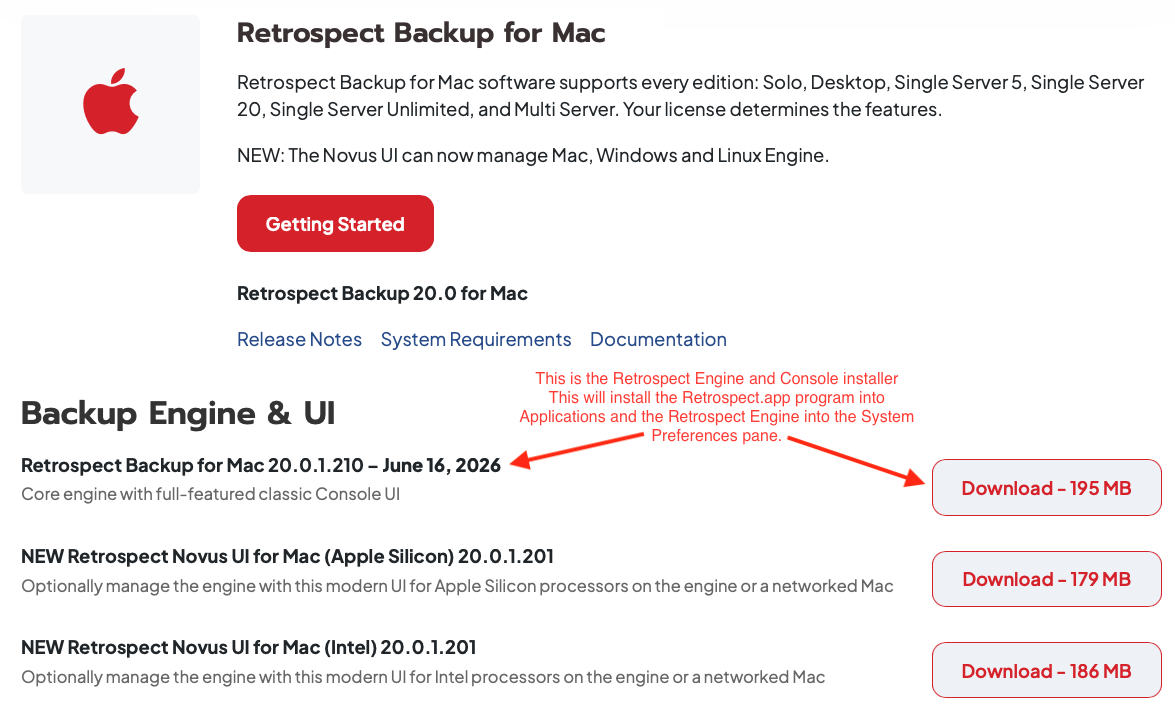
2) You will want to download the Retrospect for Macintosh Installer shown below. This is the installer for the engine and console used by Retrospect:
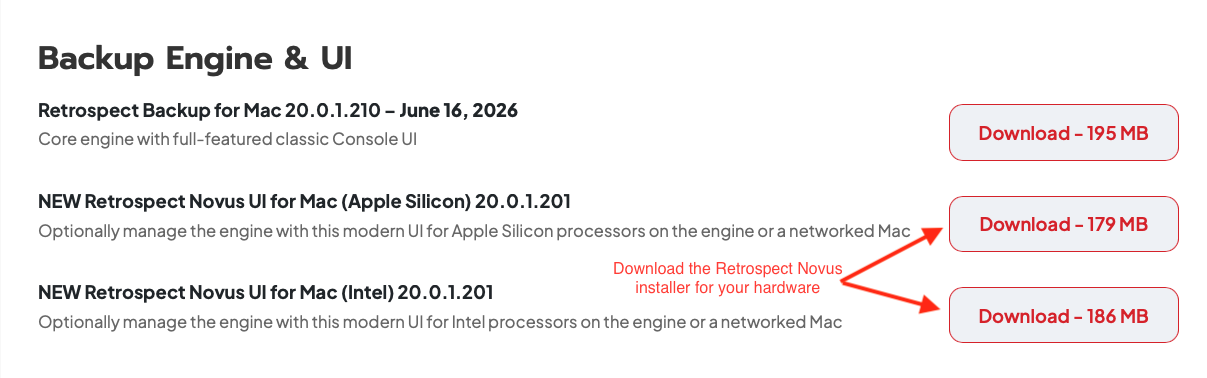
3) Next you will download Retrospect Novus UI for either Apple Silicon or for Intel based Macintosh hardware:
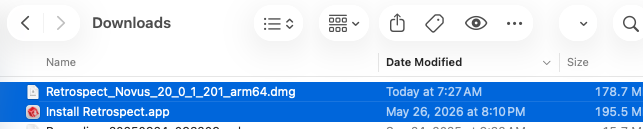
4) Your downloads folder will contain the two items shown below:
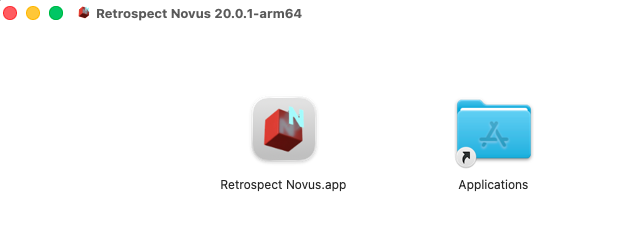
5) Open the Retrospect_Novus_20_0_1_201_arm64.dmg or Retrospect_Novus_20_0_1_201_x64.dmg file and then drag Retrospect Novus.app into your applications folder.
6) Open the Install Retrospect.app and click Install Retrospect.
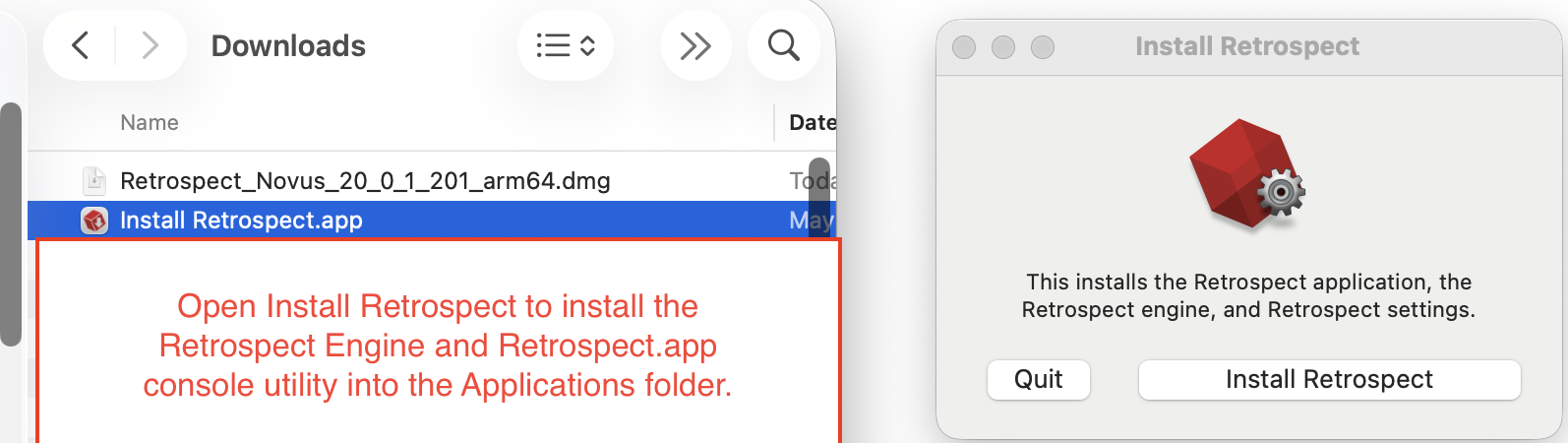
-
Your Applications folder will now contain the Retrospect.app which is the main Retrospect console utility and it will contain a copy of the new Retrospect Novus.app user interface. You can open and close these applications at any time. The Retrospect Engine will remain running in the background when these applications are closed.
-
After you open Retrospect.app or Retrospect Novus.app for the first time, you can enter your new Retrospect 20 license code when prompted.