Using a single Retrospect Novus application, you can connect to a Retrospect Engine running on Macintosh, Windows or Linux. This allows for centralized backup server management from any computer.
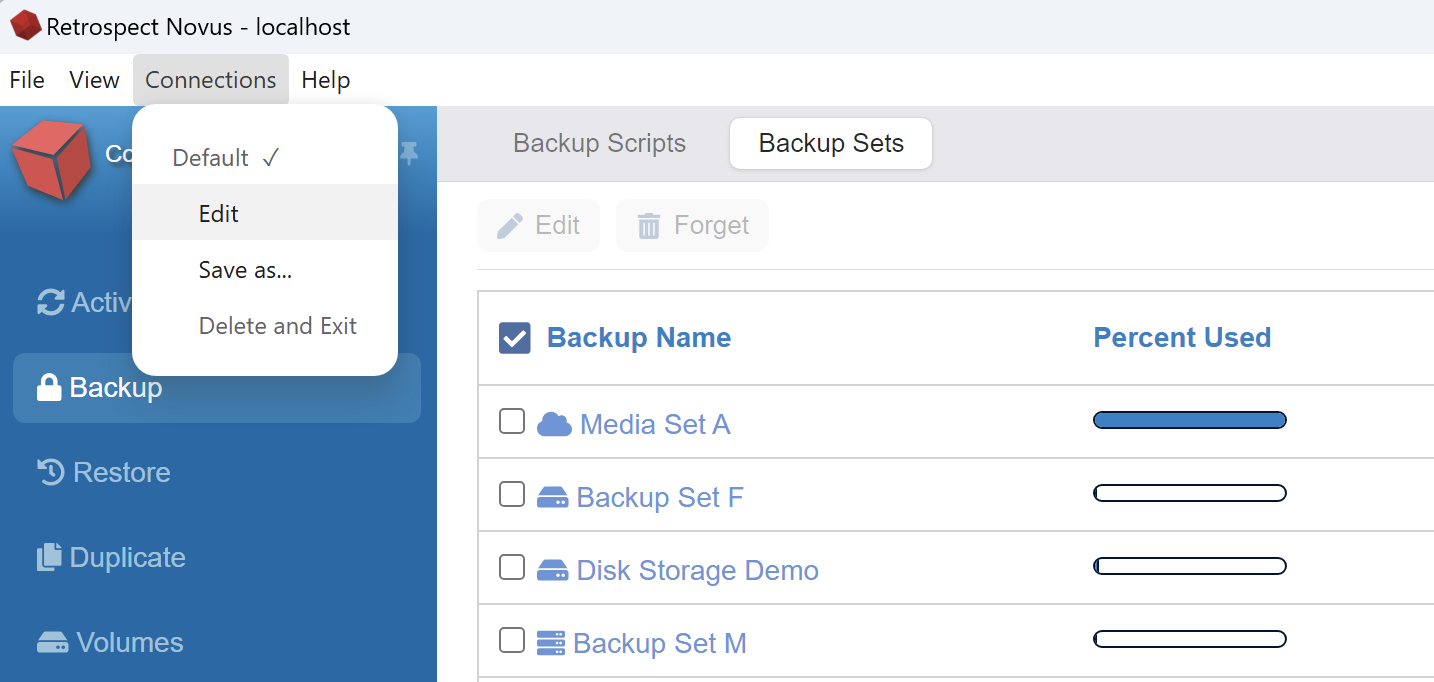
To add a Retrospect Engine, launch Retrospect Novus and open the Connections menu at the top of Retrospect Novus and click Edit. You can reach the same window in the Retrospect Settings on the left of Novus.
Enter the IP address of the other computer running a copy of the Retrospect Engine and click Save.
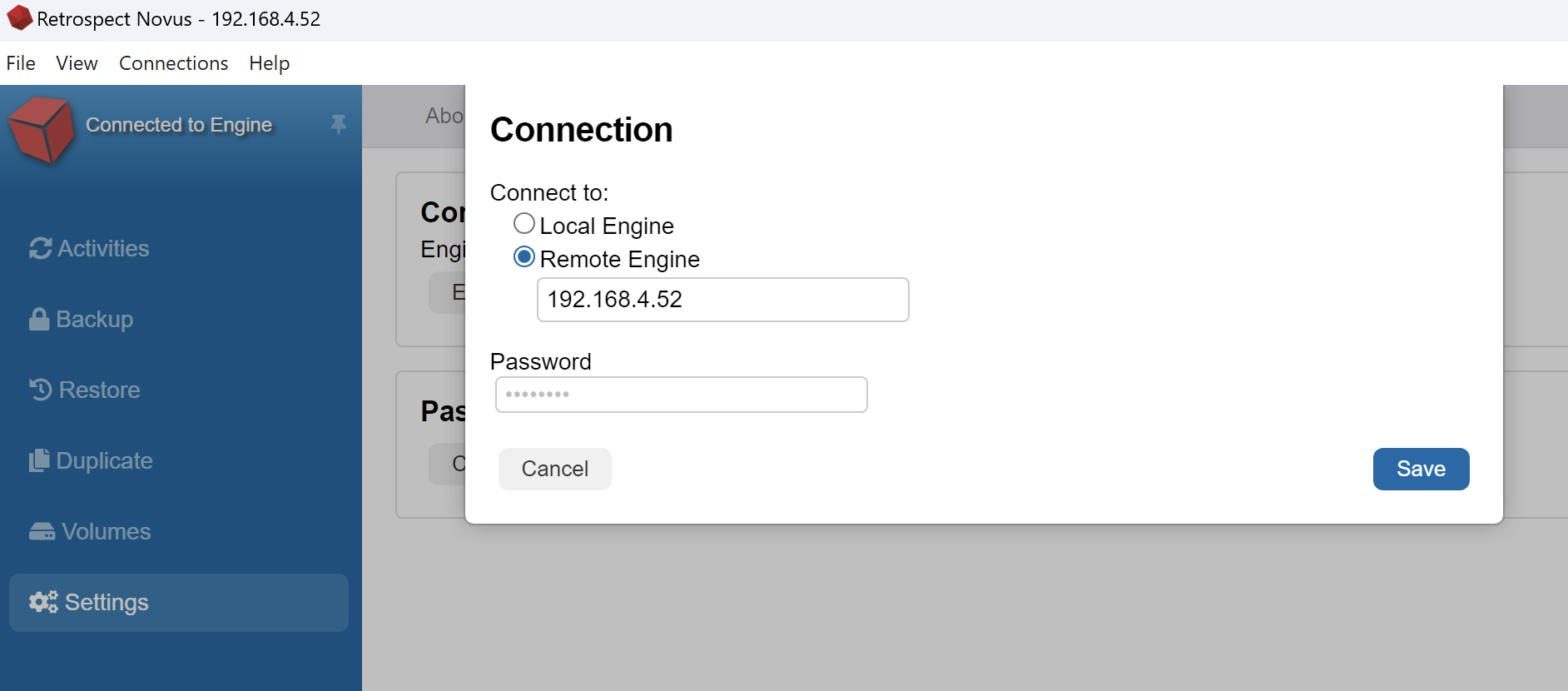
Retrospect will make a remote connection to that server address and you will be able to make changes to the backups and settings on that remote server.