With the release of Mountain Lion (Mac OS 10.8), Apple has increased security for programs downloaded from the internet. As a result, many programs released prior to the release of 10.8 can not be opened unless you make a simple change to the Security and Privacy settings in the Mac OS.
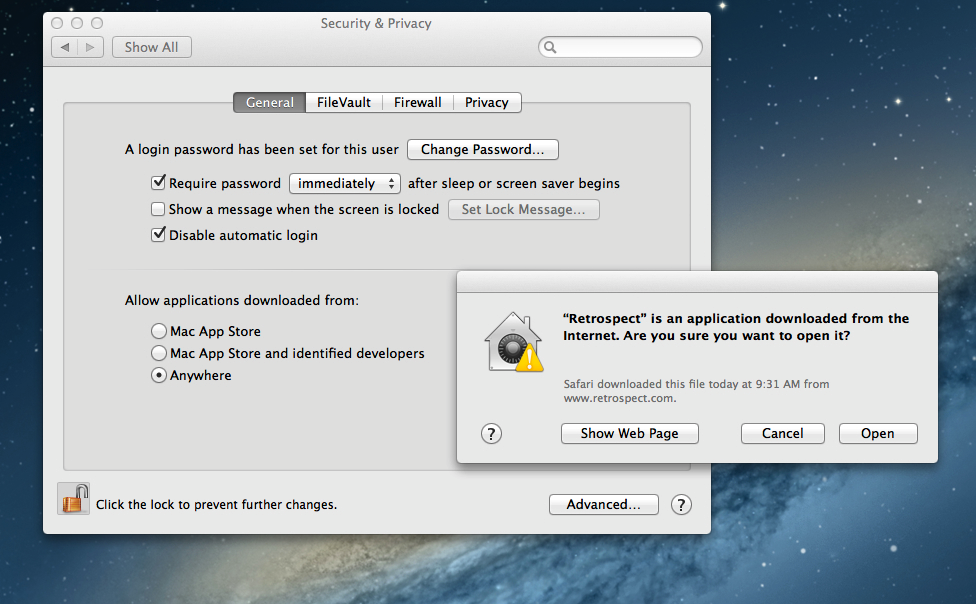
To launch Retrospect, Retrospect Client or a Retrospect installer for version 9.0 and earlier, you must make the following changes:
Go to System Preferences
Open Security & Privacy
Change "Allow applications downloaded from:" to "Anywhere"
Last Update: July 10, 2012